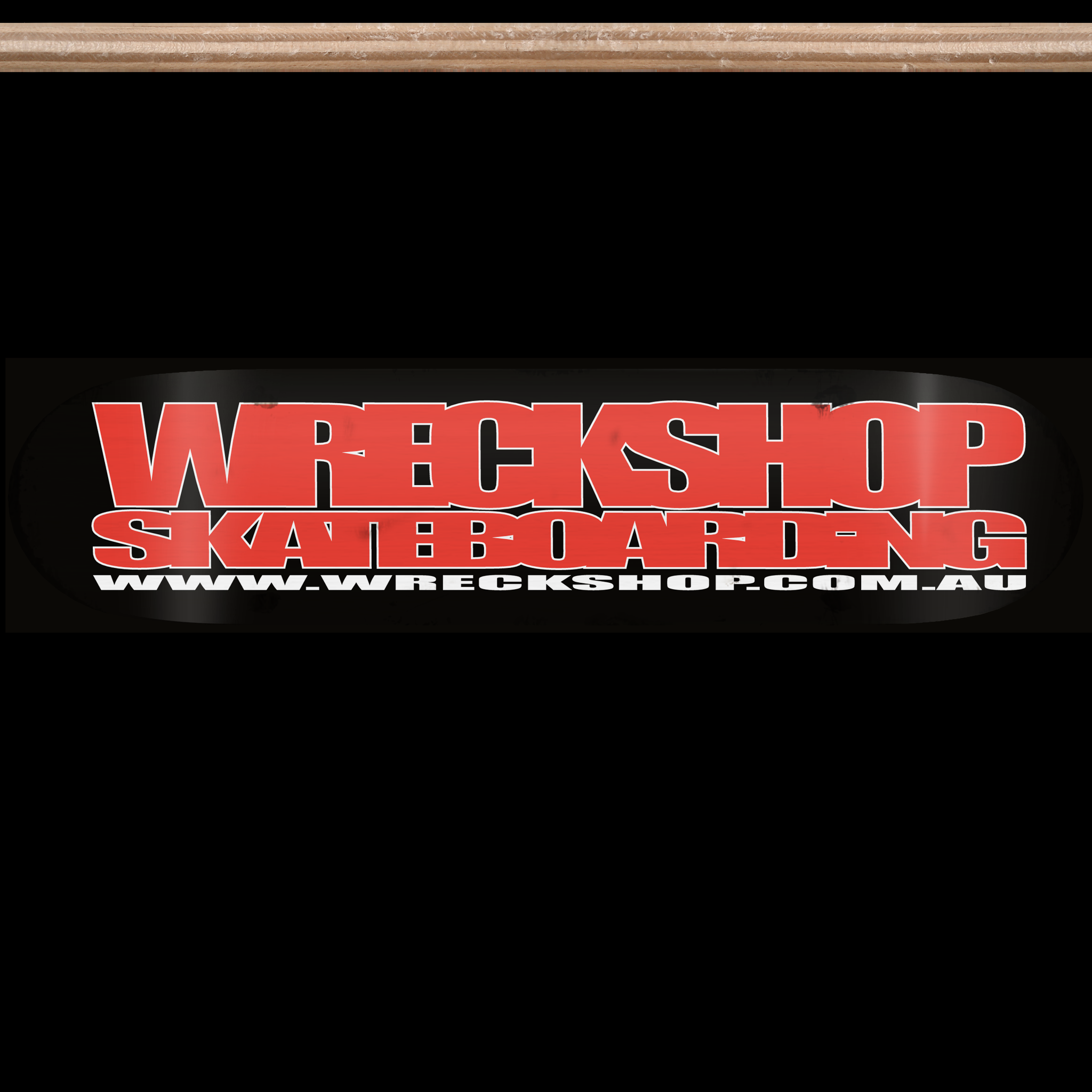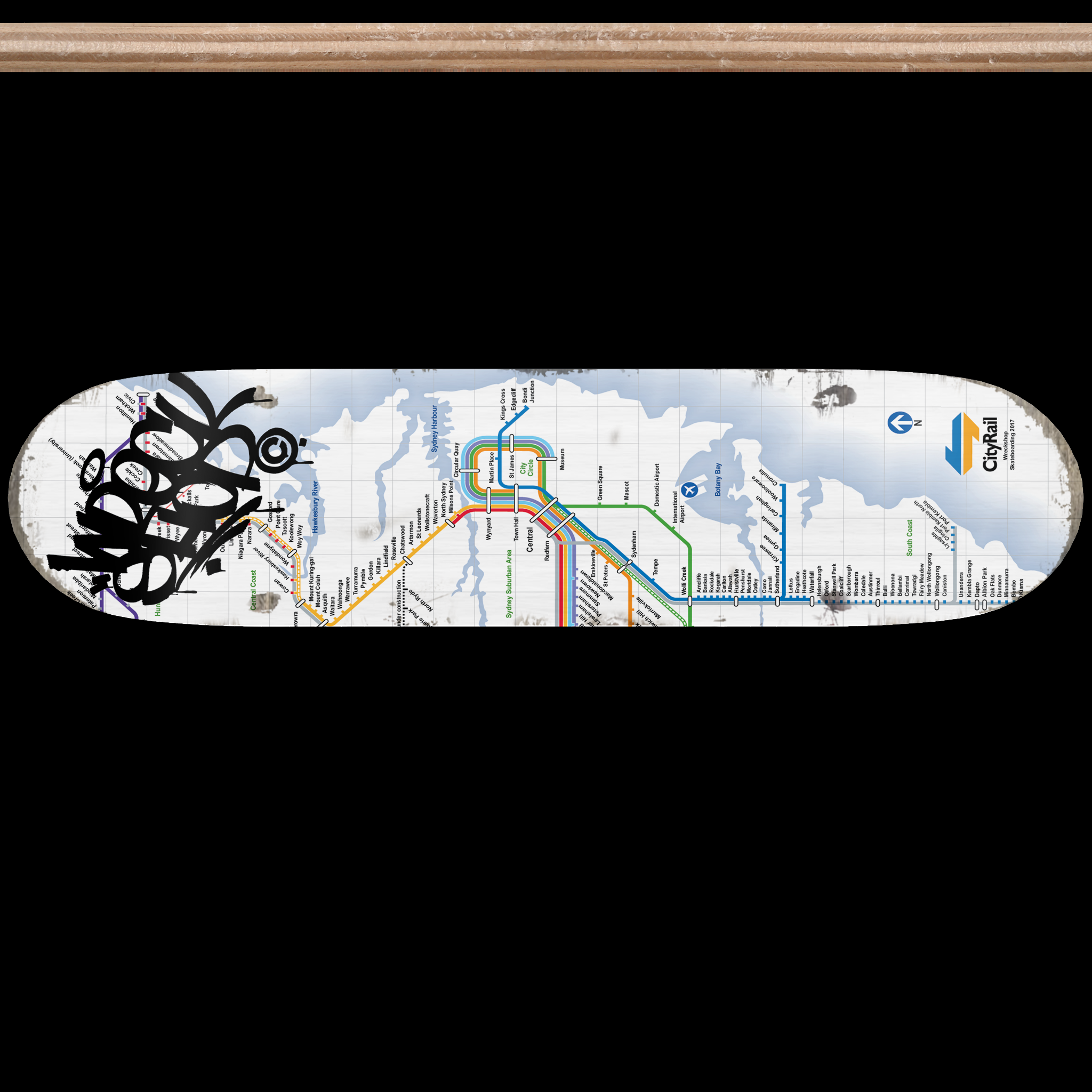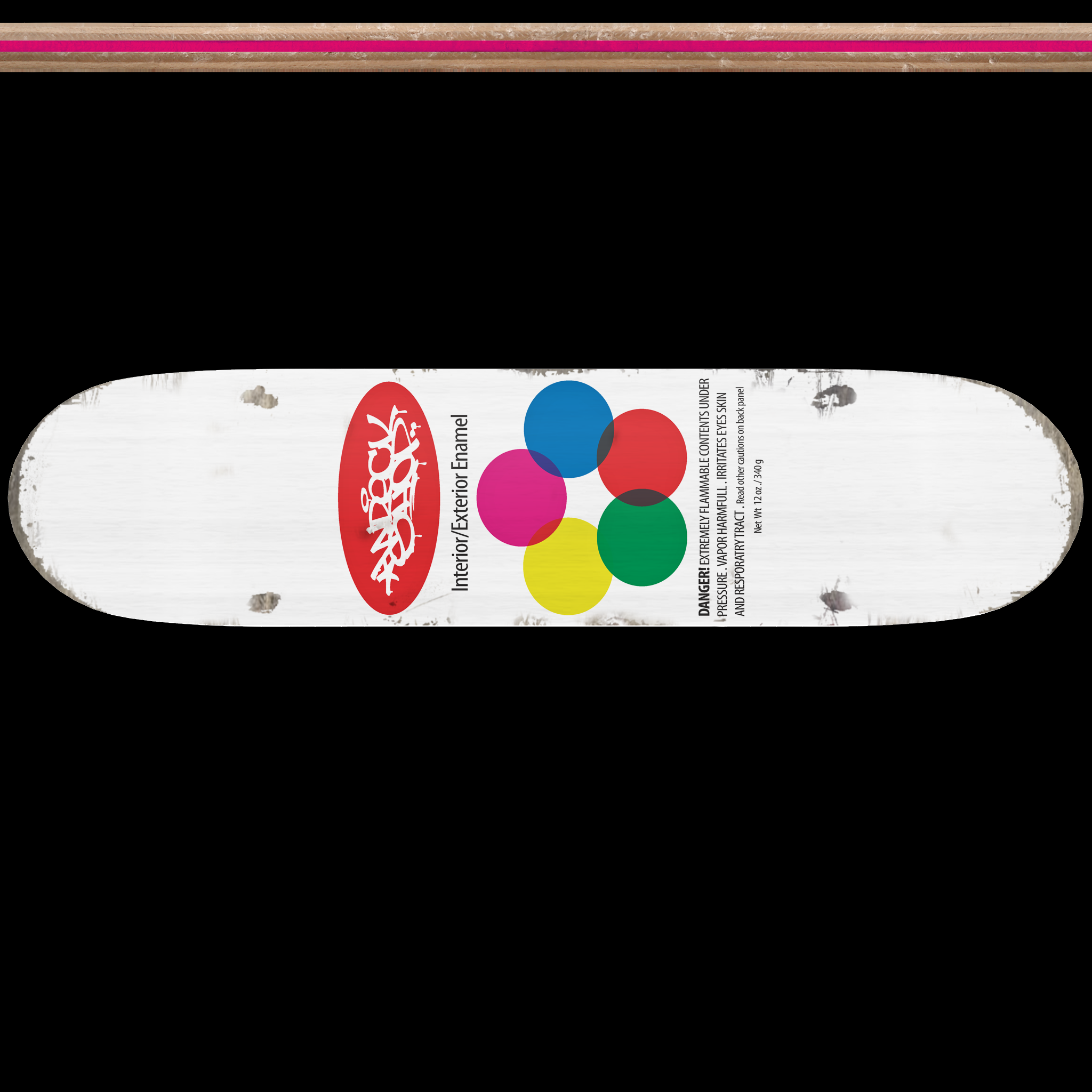
Wreckshop deck skins for Skater XL
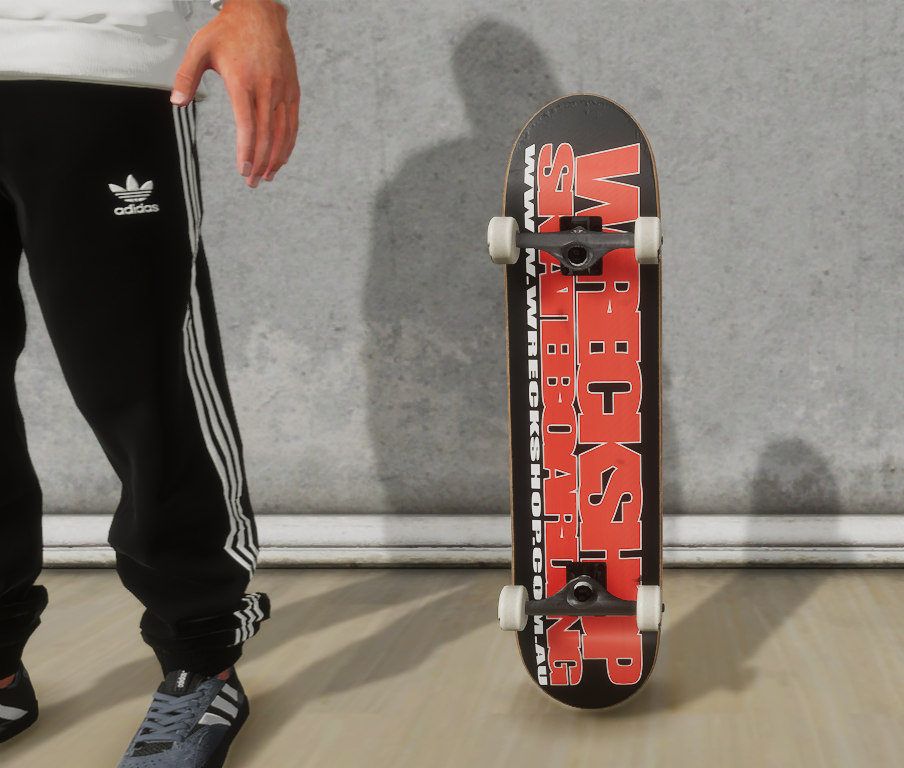
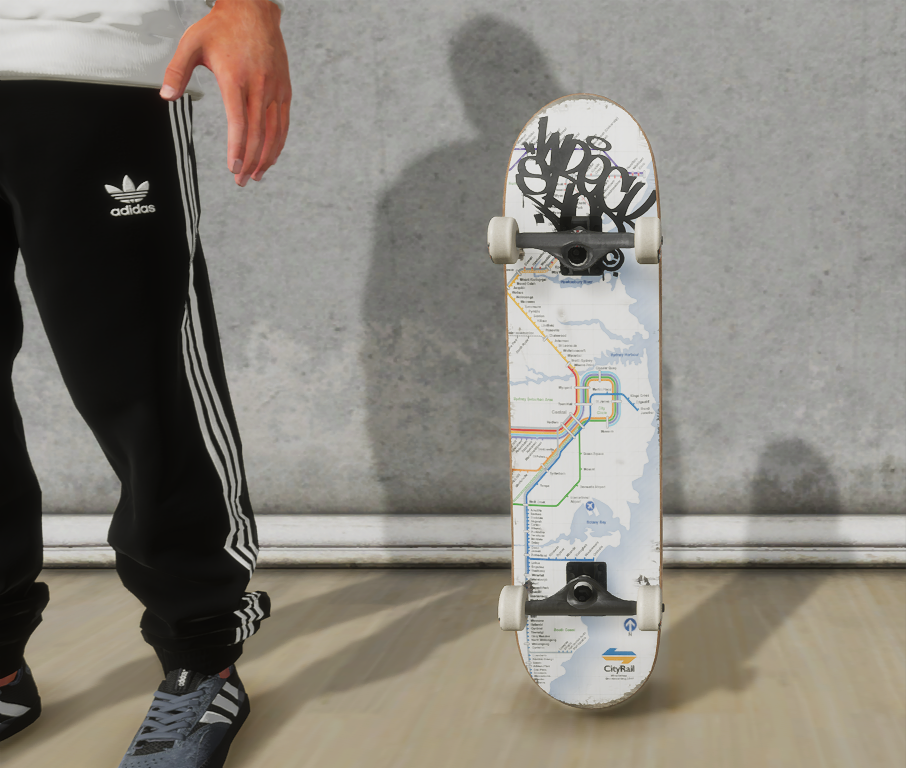
Skater XL Wreckshop deck skins for all WINDOWS pc versions.
- Step 1 ; Go to https://thewreckshop.net/downloads/ page via your pc and download a skin file.
- Step 2 ; On your pc navigate to: \Documents\SkaterXL\Gear
- Step 3 ; Create a new folder called wreckshop.
- Step 4 ; Place the downloaded file in the created folder.
In game
- Launch Skater XL, press any button
- Press the Start Button and Open the Menu
- Select edit skater , use the LB/RB to navigate to Custom deck, select desired graphic.
- More to come soon ! Enjoy!
 The Wreckshop